

Cloudinary in Jamstack using Webp


Cloudinary and Jamstacks
The awesome part about hosting on Cloudinary is that it provides a very extensive API for developers. However for content creators they often don't care that much about the technical aspects that are required to show images on the Web. We have been told repeatedly that storage is cheap and it doesn't matter if we just throw these images on an unmanaged server, or a CMS like Adobe AEM or Wordpress. However as we start moving more items to the "Cloud" pricing and functionality do start to matter, for both the producer and consumer of this content.
What is Webp
WebP is a modern image format that provides superior lossless and lossy compression for images on the web. Using WebP, webmasters and web developers can create smaller, richer images that make the web faster.
WebP lossless images are 26% smaller in size compared to PNGs. WebP lossy images are 25-34% smaller than comparable JPEG images at equivalent SSIM quality index. Webp is a format created by Google in 2010, and has been implemented in many of todays browsers.
Why do we care about Webp
In many cloud based systems they will create several different image sizes which starts to add up on your storage costs. Now the consumer doesn't necessarily care about this cost for the producer. The consumer will care about how much data their phone is using and eating up their phone plan.
How does Cloudinary make Webp easy?
HTTP Calls:Original Call 134 KBURL: https://cdn.sanity.io/images/hfh83o0w/dev/a34985eb032679697a0978567764e36034992e9a-1920x1080.webp

Webp Call 49.7 KB - 63% reductionURL: https://cdn.sanity.io/images/hfh83o0w/dev/a34985eb032679697a0978567764e36034992e9a-1920x1080.webp

Webp Call @ width of 800px 49.7 KB - 92.5% reductionURL: https://cdn.sanity.io/images/hfh83o0w/dev/e65cc1a76ce934a1dc2cd816fb7f0e0d5017317a-800x450.webp

Without doing anything more than changing png to webp, you can automatically reduce the call by 63%. Now most software can take this a step further and authomatically consider the screen size that your browser should request so an example above would be to request the picture width is 800px ('w_800).
Webp Support
As you can see below Webp format is supported in all major browsers except for Safari (and iOS Safari).
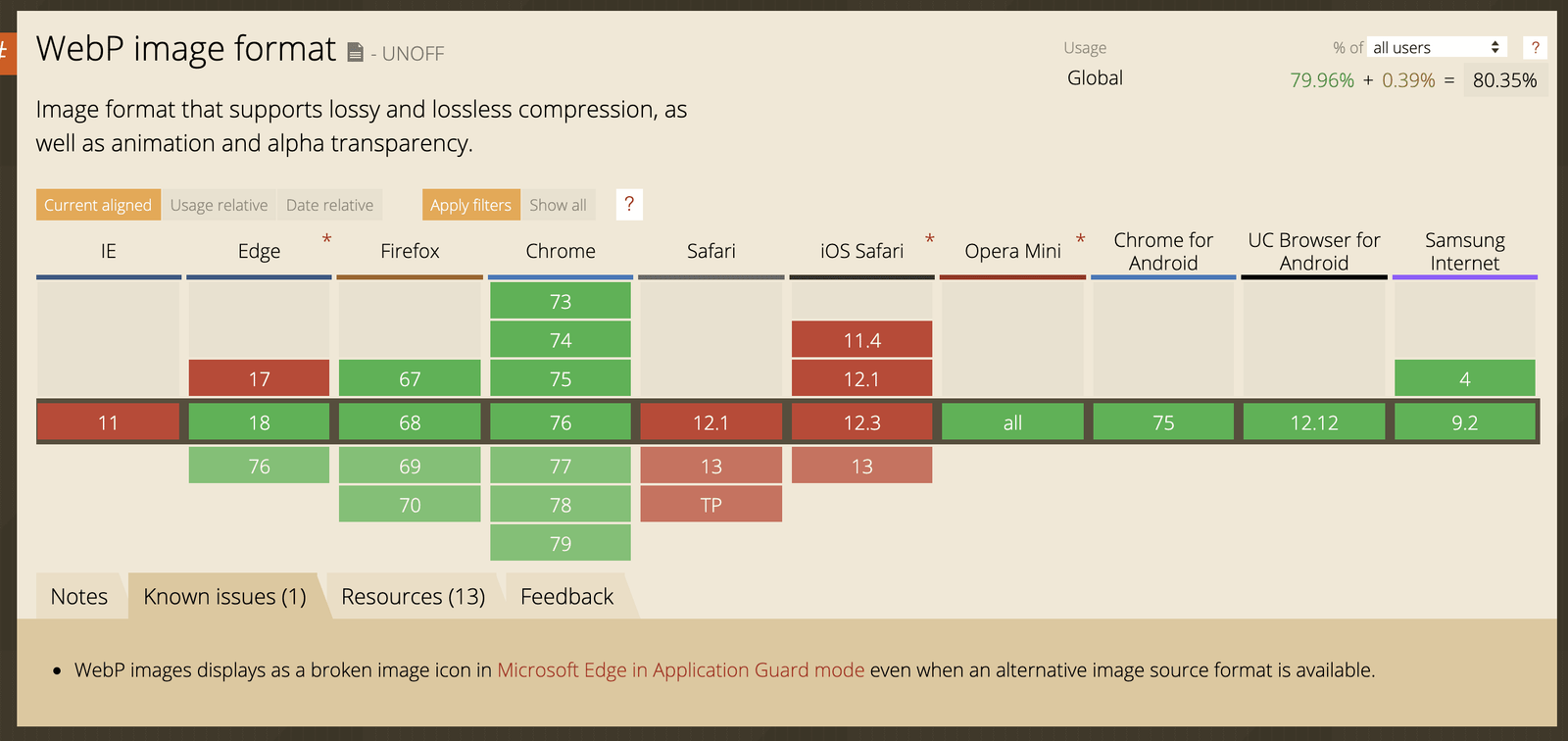
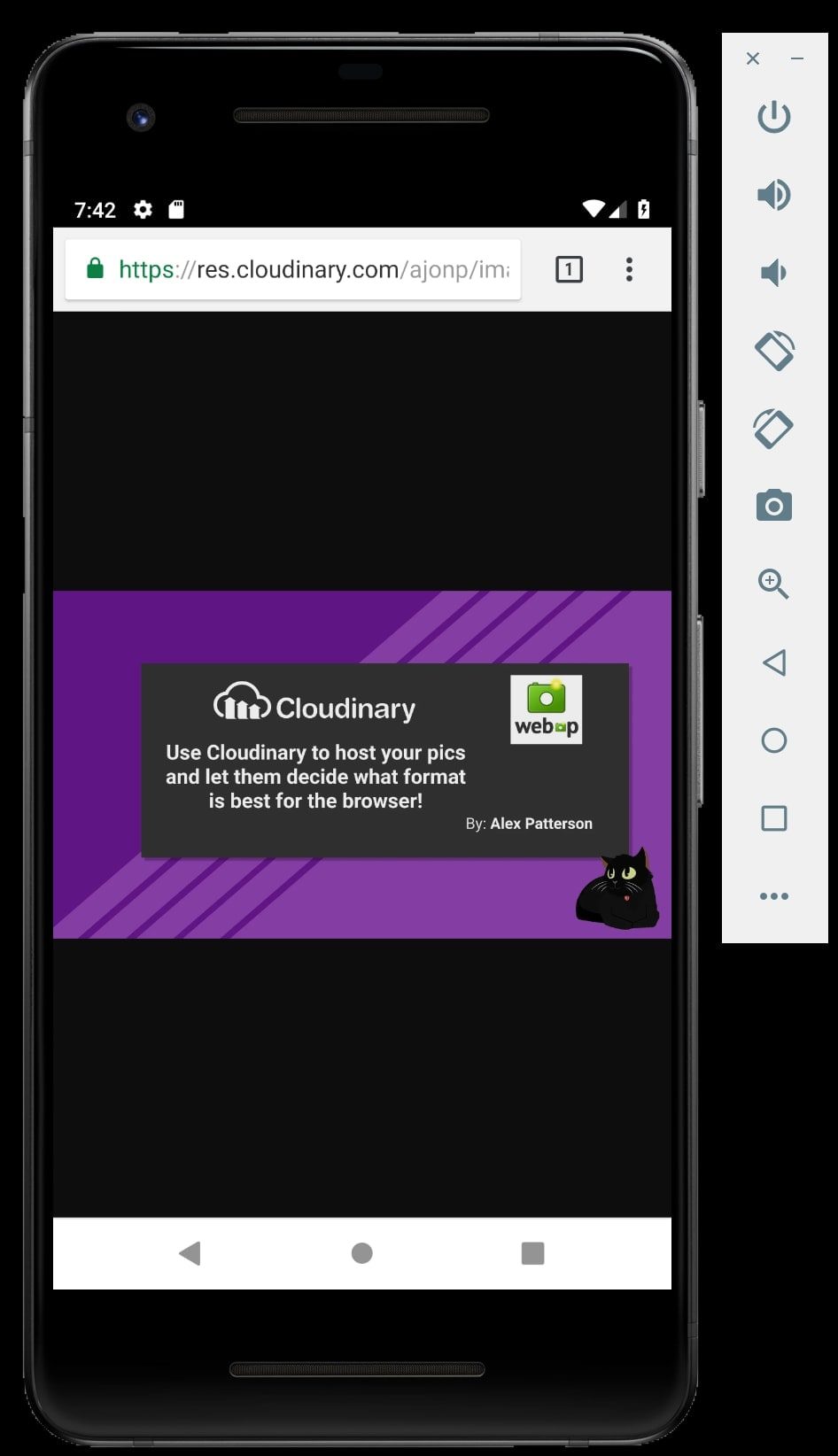
https://caniuse.com/#feat=webp As you can see on Android using Chrome there is no issue with looking up the image using Webp.
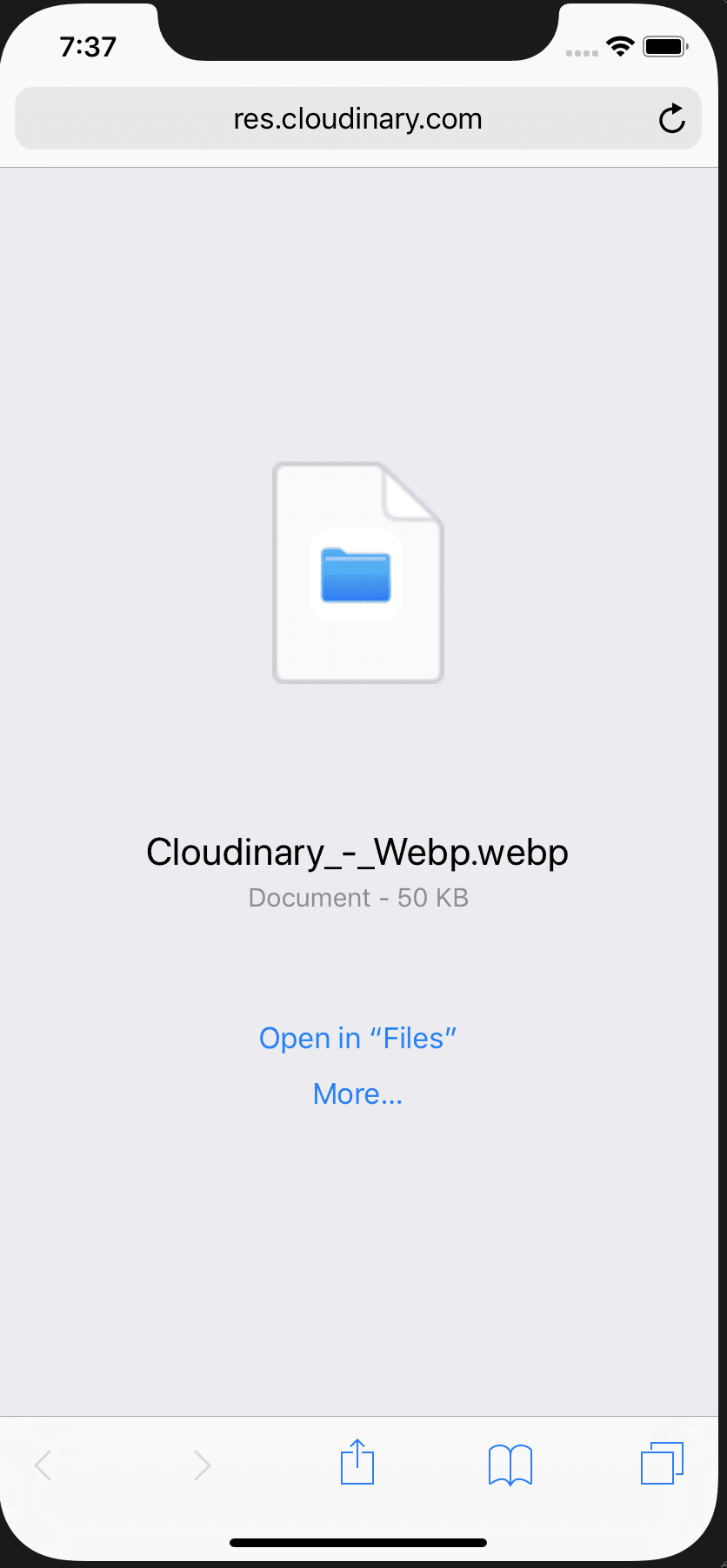
When we attempt this on Safari the browser treats this as a file and downloads it.
HTML picture to the rescue
So as a developer I can't honestly say "well just have people use anything except Safari". So how do we solve this 100% of the time? HTML <picture> element is in for the rescue! When the
<picture>
  <source
    srcset="https://cdn.sanity.io/images/hfh83o0w/dev/a34985eb032679697a0978567764e36034992e9a-1920x1080.webp"
    type="image/webp"
  />
  <img
    src="https://cdn.sanity.io/images/hfh83o0w/dev/a34985eb032679697a0978567764e36034992e9a-1920x1080.webp"
    alt="Cloudinary Webp"
  />
</picture>

As you can see below Safari will use the <img> tag and not refer back to the <source> tag, and it will show the image correctly.
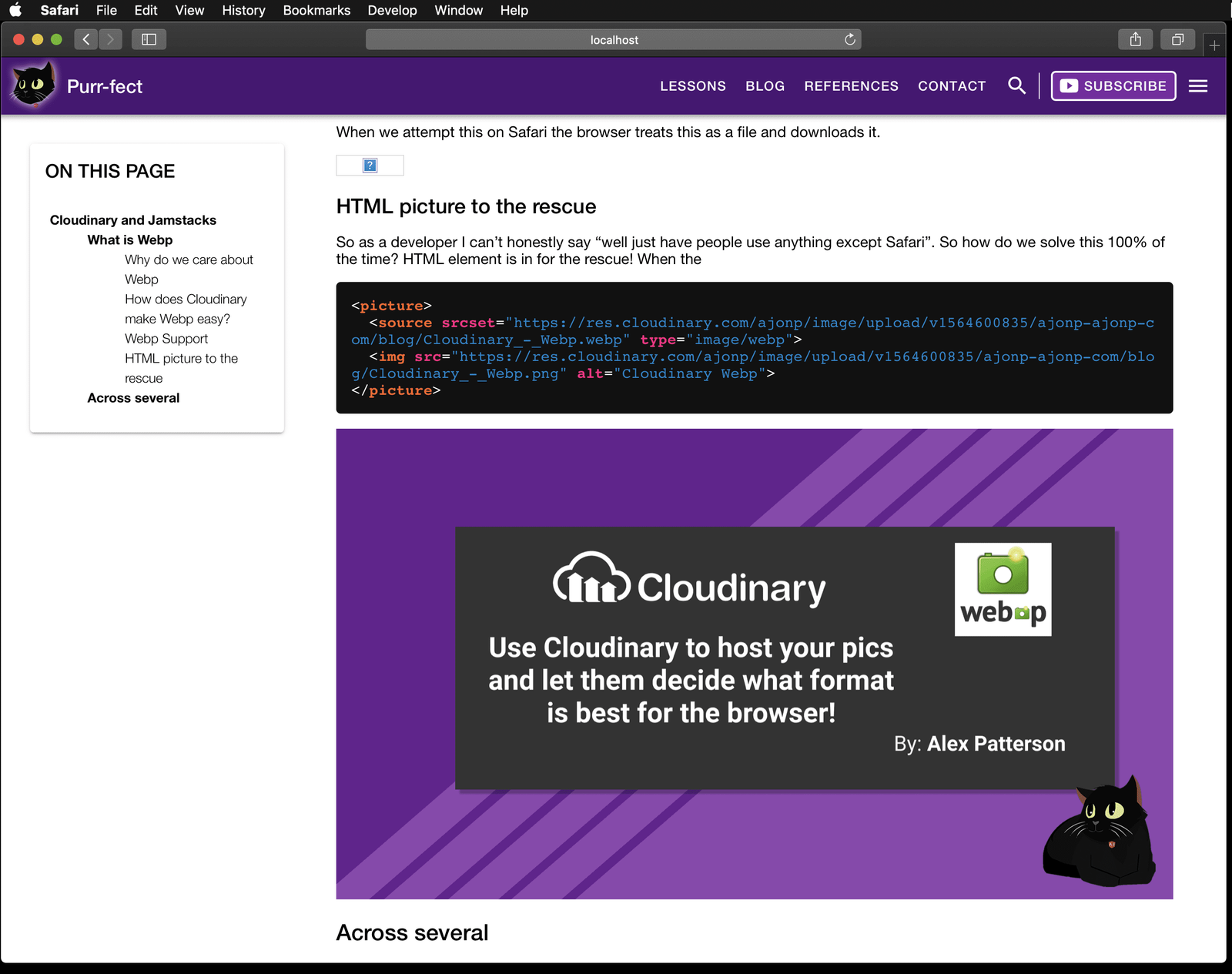
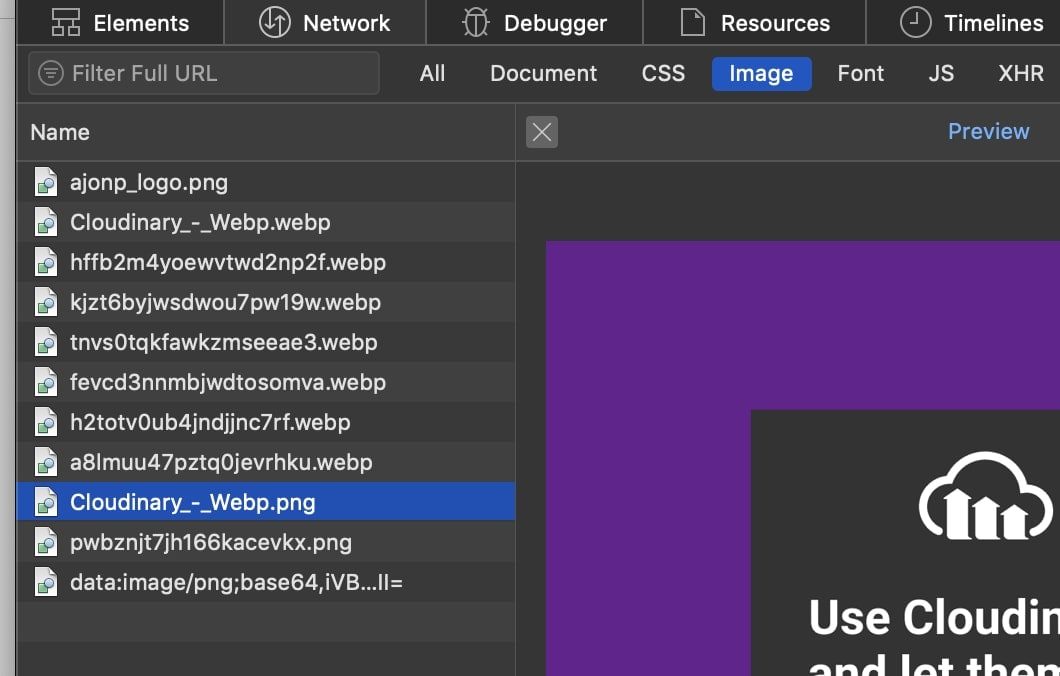
In Chrome the <source> tag is used so it will automatically pickup the webp extension and work correctly.
Markdown
Why Markdown
I cross post my lessons and blogs over to DEV. Because of this I don't prefer to use shortcodes and instead stick with supported markdown syntax. I also tend to move on the the next "cool" technology platform often.For instance I can easily load all Markdown to:
Markdown in Hugo
I fully admit that it takes me much longer to take my markdown file images and replace them for <picture> tags (yes I am lazy). Hugo provides amazing things called shortcodes that will allow you to execute a great deal of code in a short one line example of markdown. xabeng created an awesome set of shortcodes my hugo shortcode for including image from cloudinary.
VSCode Extension - Paste Image - Cloudinary
markdown image paste is a fantastic plugin that allows you to take screenshots easily and loads them directly to cloudinary. By default once the upload completes it will place the new image URL into a markdown image tag.I did open an issue to allow for html code instead of the generic markdown syntax.
Resources, Links & Official Documentation
- Cloudinary Programmable Media Docs: Automated image/video optimization, responsive delivery, and transformations
- Serverless Land & Cloud Patterns: Event-driven architecture, functions-as-a-service, and cloud workflows
- Sanity.io Content Operating System Docs: GROQ queries, Portable Text, Content Lake, and Agent Context
Related CodingCat.dev Tutorials & Podcast Episodes
- Moving from WordPress to Jamstack: Talking with Jason Lengstorf about how to use Wordpress to power the backend to any of your Jamstack sites.
- Automating Infrastructure with Digger.dev: We sit down to chat with Igor from http://Digger.dev how to automate all of your infrastructure needs on AWS. The goal of Digger is to make AWS simple!
- Supabase New Release: Supabase dropped a lot of new features during their X launch, I review these with Jon.
how this post connects together.
Follow AJ from first principles to production-ready architecture.
Watch the Related Video Deep Dive: Full-Stack AI Agents in TypeScript (No Python Required)
Architect deterministic tool-calling AI agents, multi-step workflows, hybrid browser-to-cloud routing, serverless GPU dispatch, and production eval guardrails in 100% TypeScript.