

VSCode Extension Peacock

Please note the video was from version 2.
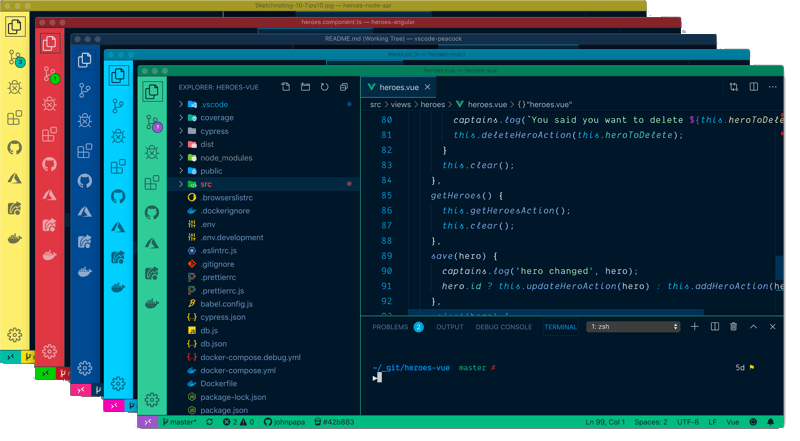
Subtly change the color of your Visual Studio Code workspace. Ideal when you have multiple VS Code instances, use VS Live Share, or use VS Code's Remote features, and you want to quickly identify your editor.
Technical Overview: VSCode Extension Peacock
When applying the concepts from VSCode Extension Peacock in a production codebase, teams working with WebDev should align their implementation with the MDN Web Docs for Developers (Core web platform standards, browser APIs, and performance guides). Structuring your workflow around repeatable patterns, automated verification, and clear separation of concerns helps prevent regressions as your application scales.
Key Engineering Takeaways
- Core Topic Focus: Practical strategies for WebDev covered in "VSCode Extension Peacock" (Subtly change the color of your Visual Studio Code workspace. Ideal when you have multiple VS Code instances, use VS Live Share, or use VS Code's Remote features, and you want to quickly identify your editor.).
- Production Implementation: Combine the architectural patterns demonstrated in this post with the official MDN Web Docs for Developers for type safety, performance, and long-term maintainability.
Resources, Links & Official Documentation
- MDN Web Docs for Developers: Core web platform standards, browser APIs, and performance guides
Related CodingCat.dev Tutorials & Podcast Episodes
- 5 ways to use Gemini text-to-speech (TTS) in your apps with Firebase AI Logic: Web Architecture & Implementation Guide: Hands-on web engineering breakdown of "5 ways to use Gemini text-to-speech (TTS) in your apps with Firebase AI Logic" (2026-09-09). Learn how to integrate Fireb...
- 3 ways to optimize Firebase Remote Config fetch usage: Web Architecture & Implementation Guide: Hands-on web engineering breakdown of "3 ways to optimize Firebase Remote Config fetch usage" (2026-08-31). Learn how to integrate Firebase, Google Cloud, Web D...
- Live text search with Firestore pipelines and React in Firebase: Web Architecture & Implementation Guide: Hands-on web engineering breakdown of "Live text search with Firestore pipelines and React" (2026-05-28). Learn how to integrate Firebase, Google Cloud, Web Dev...
Frequently Asked Questions (FAQ)
What are the main takeaways from VSCode Extension Peacock?
Subtly change the color of your Visual Studio Code workspace. Ideal when you have multiple VS Code instances, use VS Live Share, or use VS Code's Remote features, and you want to quickly identify your editor. VSCode Extension Peacock explores practical patterns for WebDev in modern software engineering. Throughout this post, Alex Patterson breaks down real-world implementation details for WebDev so developers can apply these patterns directly in production.
How do you implement WebDev best practices in production?
When adopting WebDev in a production stack, start by validating your configuration against the MDN Web Docs for Developers (Core web platform standards, browser APIs, and performance guides). Focus on incremental adoption, automated testing, and observability so your team can measure performance and developer velocity improvements at each stage.
Where can I watch the full VSCode Extension Peacock walkthrough and find related code resources?
You can explore the complete write-up and code examples right here on CodingCat.dev, and subscribe to the CodingCat.dev YouTube channel for weekly video tutorials. For a deeper dive into WebDev, check out our related guide: 5 ways to use Gemini text-to-speech (TTS) in your apps with Firebase AI Logic: Web Architecture & Implementation Guide.
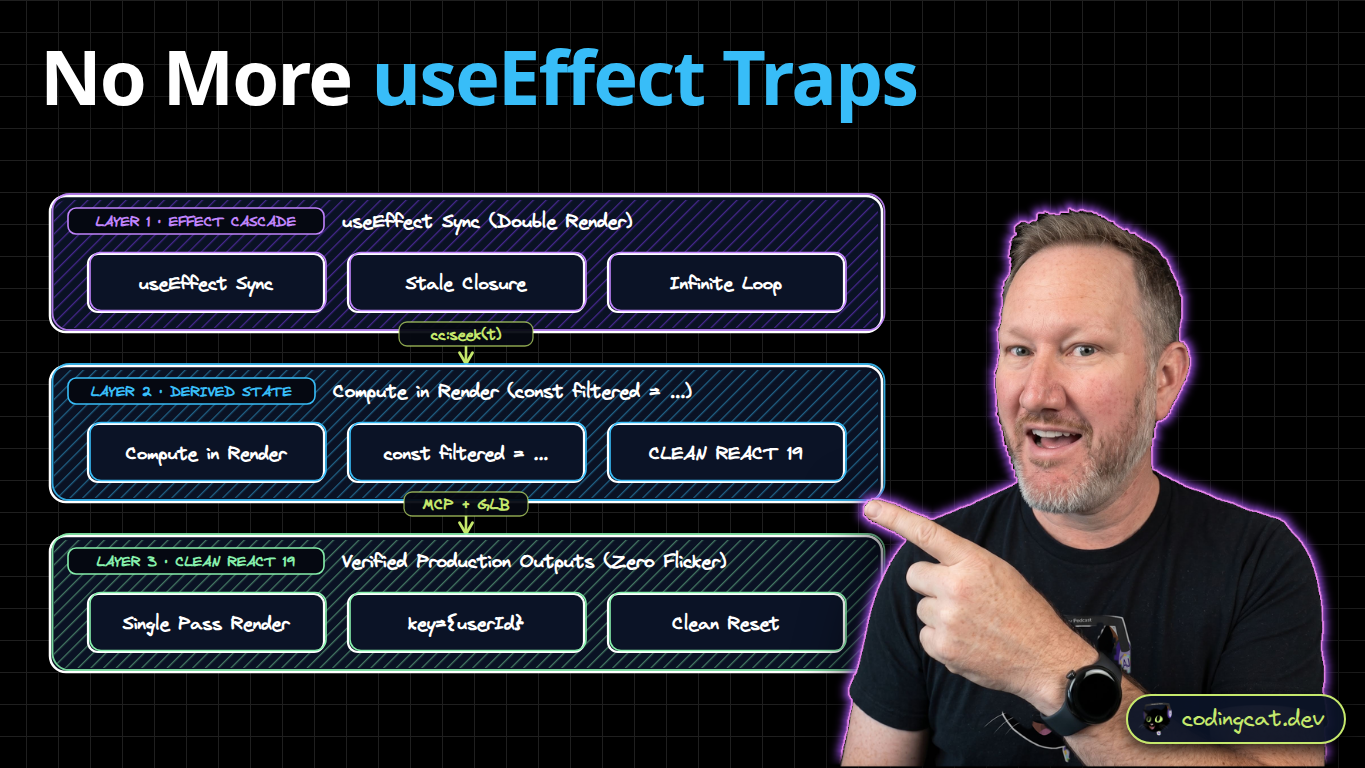
how this post connects together.
Follow AJ through the pipeline topology from input contract to production output.
Watch the Related Video Deep Dive: The Odin Project 6: Modern React 19, State Architecture & TypeScript
Master React 19 components, strict TypeScript props, derived state vs. useEffect traps, Server Actions, and island hydration in Astro.