🧶 CSS AnimationsSection 2.1 · Lesson 2 of 4
JavaScript Confetti library
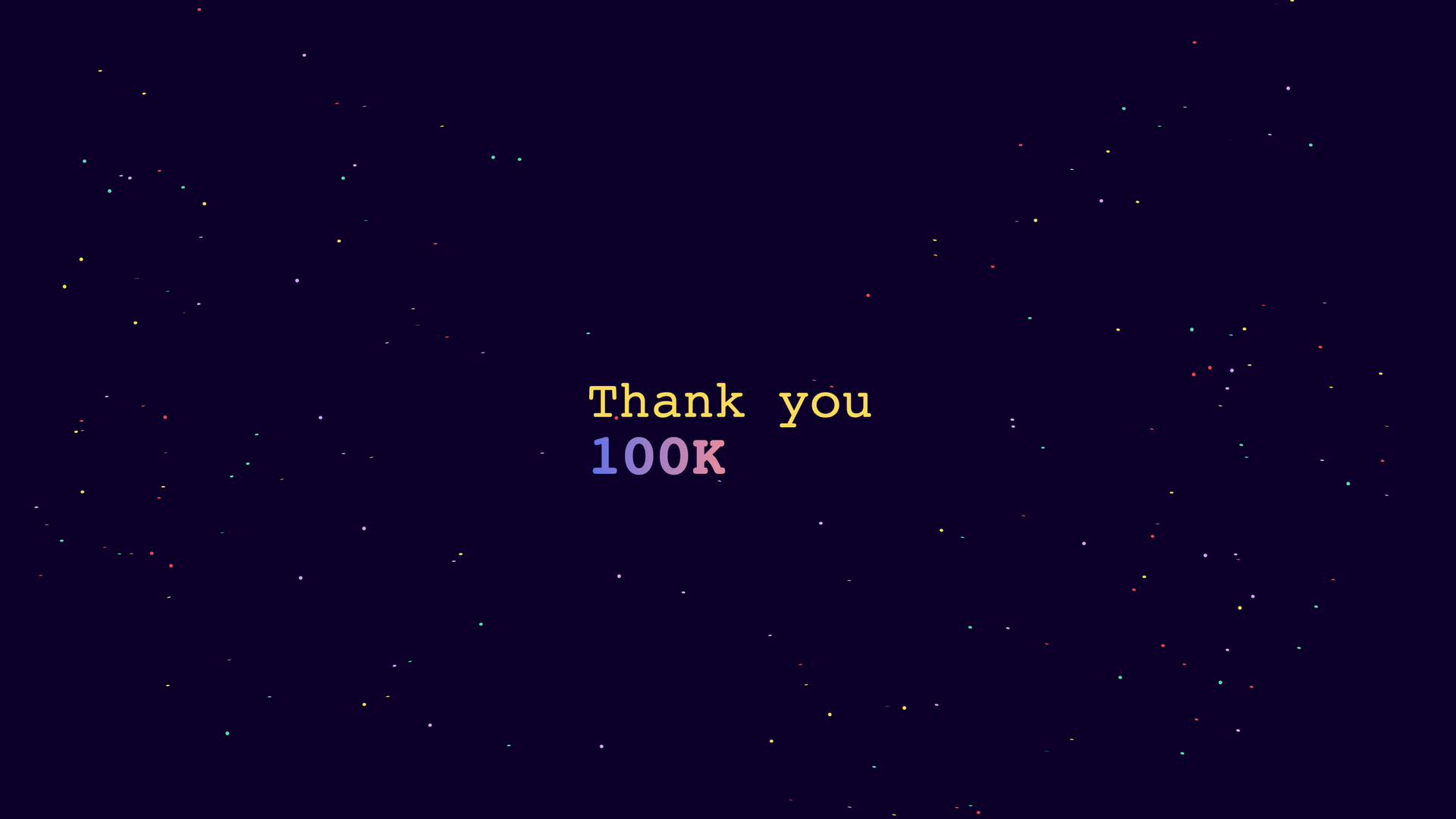
JavaScript Confetti Library is an amazingly simple yet powerful tool, that you can add to any website for just 3.2kB br compressed.
All you need to add to your <head> is the below script.
<script src="https://cdn.jsdelivr.net/npm/js-confetti@latest/dist/js-confetti.browser.js"></script>CSS
This is all just for visuals of the text, the JavaScript for JS Confetti does all the work.
#confetti {
	position: fixed;
	top: 0;
	left: 0;
	width: 100%;
	height: 100%;
}

.title {
	line-height: 1;
	animation: animateText 2s infinite;
}

.title span {
	display: block;
}

.message {
	font-weight: 500;
}

.followers {
	font-weight: 700;
	font-size: 70px;
	background-image: linear-gradient(90deg, rgba(94, 114, 235, 1) 0%, #ff9190 56%, #fec195 100%);
	-webkit-background-clip: text;
	-webkit-text-fill-color: transparent;
}

@keyframes animateText {
	0%,
	100% {
		transform: scale(1);
	}

	50% {
		transform: scale(1.75);
	}
}

/******IGNORE THIS****/
@import url('https://fonts.googleapis.com/css2?family=JetBrains+Mono:wght@800&display=swap');

:root {
	--night: #0d0029;
	--lavender: #daa4f6;
	--yellow: #f9dc5c;
	--red: #e84855;
	--mint: #55deae;
}

body {
	font-family: 'JetBrains Mono', monospace;
	font-size: 32px;
	font-weight: 800;
	height: 100vh;
	padding: 0;
	display: flex;
	flex-direction: column;
	gap: 2%;
	justify-content: center;
	align-items: center;
	color: var(--yellow);
	background-color: var(--night);
	transition: all 0.3s ease-in-out;
}
JavaScript
We added to the id title an animation using the CSS animation:animateText 2s infinite; this will run continuously. Now you can get the animationiteration event, which is triggered for every iteration of this animation.
The only line that we need for the actual confetti is below. This is adding a mix of colors
jsConfetti.addConfetti({
	confettiColors: [c1, c2, c3, c4],
	confettiRadius: 3,
	confettiNumber: 250
});const canvas = document.querySelector('#confetti');
const jsConfetti = new JSConfetti({
canvas
});
var c1 = getComputedStyle(document.documentElement).getPropertyValue('--lavender');
var c2 = getComputedStyle(document.documentElement).getPropertyValue('--yellow');
var c3 = getComputedStyle(document.documentElement).getPropertyValue('--red');
var c4 = getComputedStyle(document.documentElement).getPropertyValue('--mint');
document.querySelector('.title').addEventListener('animationiteration', () => {
jsConfetti.addConfetti({
confettiColors: [c1, c2, c3, c4],
confettiRadius: 3,
confettiNumber: 250
});
});✏️ Visual Architecture Diagram
how this course connects together.
Follow AJ from first principles to production-ready architecture.
Let’s build it!
✏️ Visual Diagram: CSS Animations: JavaScript Confetti library
✓ Good PatternVISUAL DIAGRAM
[Diagram Walkthrough]Step-by-step diagram breakdown for CSS Animations: JavaScript Confetti library: start with 3rd Party Libraries, implement CSS Animations, and ship to production.
AAA Contrast Verified