


Svelte Basics - Reactivity
Lesson 12 / 14Course Lessons Outline▾
Assignments
Welcome back, earlier we talked about Svelte’s reactivity needing an assignment. For a state change to trigger a re-render, it needs to be assigned a new value. Because of this, some JavaScript methods, like push and splice won’t automatically trigger updates. We need to explicitly reassign the value.
Statements
Statements can also be made reactive by prefixing it with the dollar sign colon syntax. These can be single values or grouped with a block.
how this course connects together.
Follow AJ through the layered stack topology from input contract to production output.
related deep dives.
View All→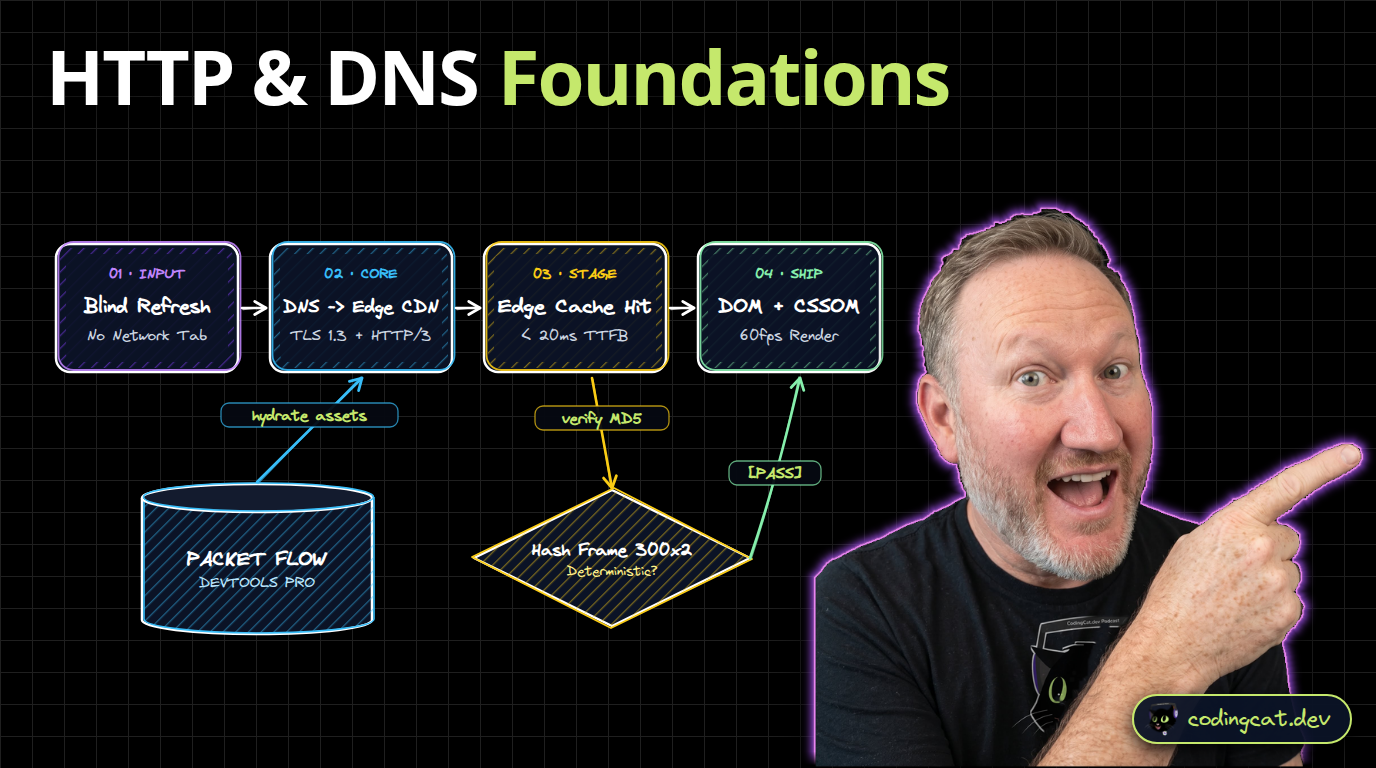


The Odin Project 1: Web Development Foundations (HTML, CSS, Flexbox & JS Basics)
Master the complete Odin Project Foundations path modernized for 2026: how the web works, semantic HTML5, CSS Box Model & Flexbox, and JavaScript DOM fundamentals.

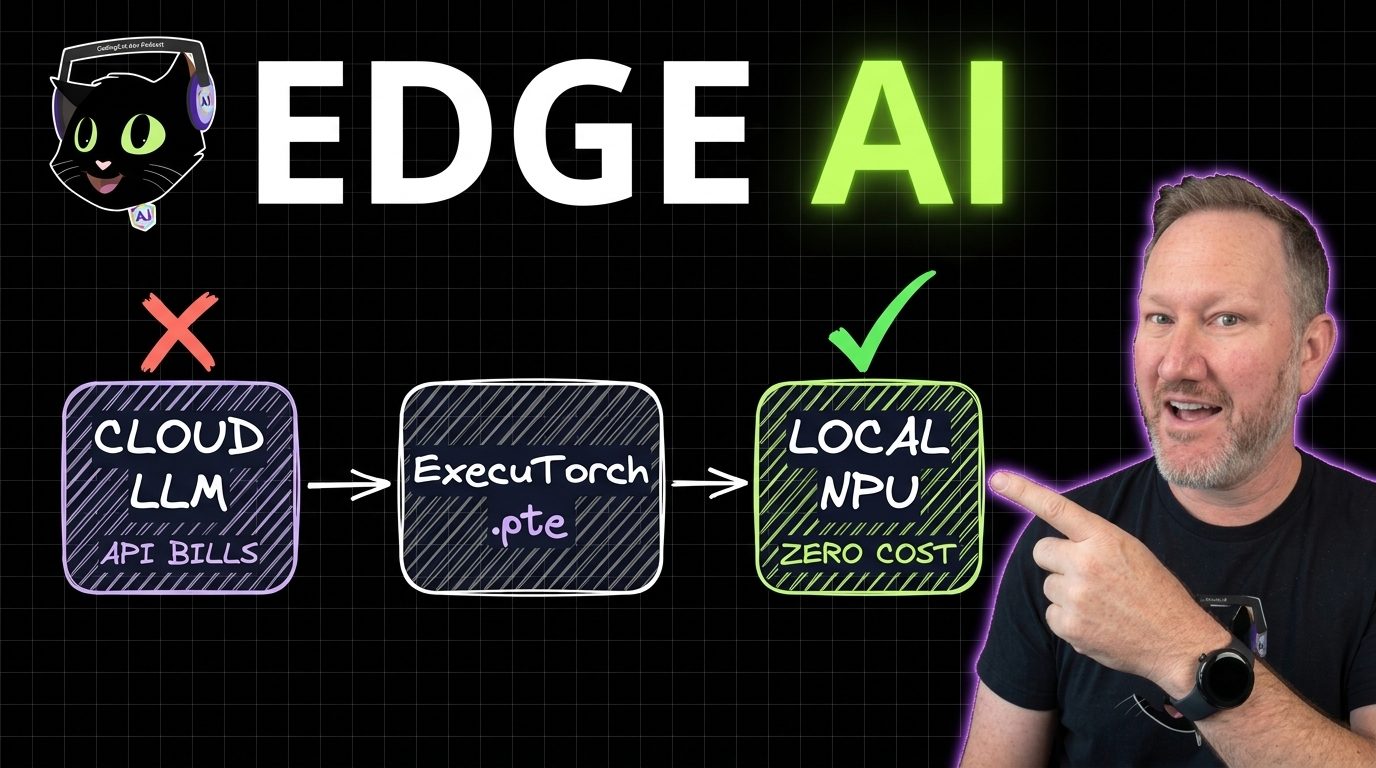


Stop Paying for Cloud LLMs: How Edge AI Actually Works
Alex Patterson sits down with Shivay Lamba (Qualcomm) to break down PyTorch ExecuTorch, NPU hardware delegates (XNNPACK and Vulkan), quantization trade-offs, and a live walkthrough of an LLM inference graph.
