


Svelte Basics - Slots
Lesson 14 / 14Course Lessons Outline▾
Slots
Components in Svelte can also have content placed inside of them as a “child”. To tell Svelte where you want that content to be located, we use a <slot />. By default, any content added inside when a component is used will be located where the slot was placed. We can also have multiple children of a component by using named slots. We give each component a name, and then tell the component which slot to place the content in when the component is rendered.
how this course connects together.
Follow AJ through the layered stack topology from input contract to production output.
related deep dives.
View All→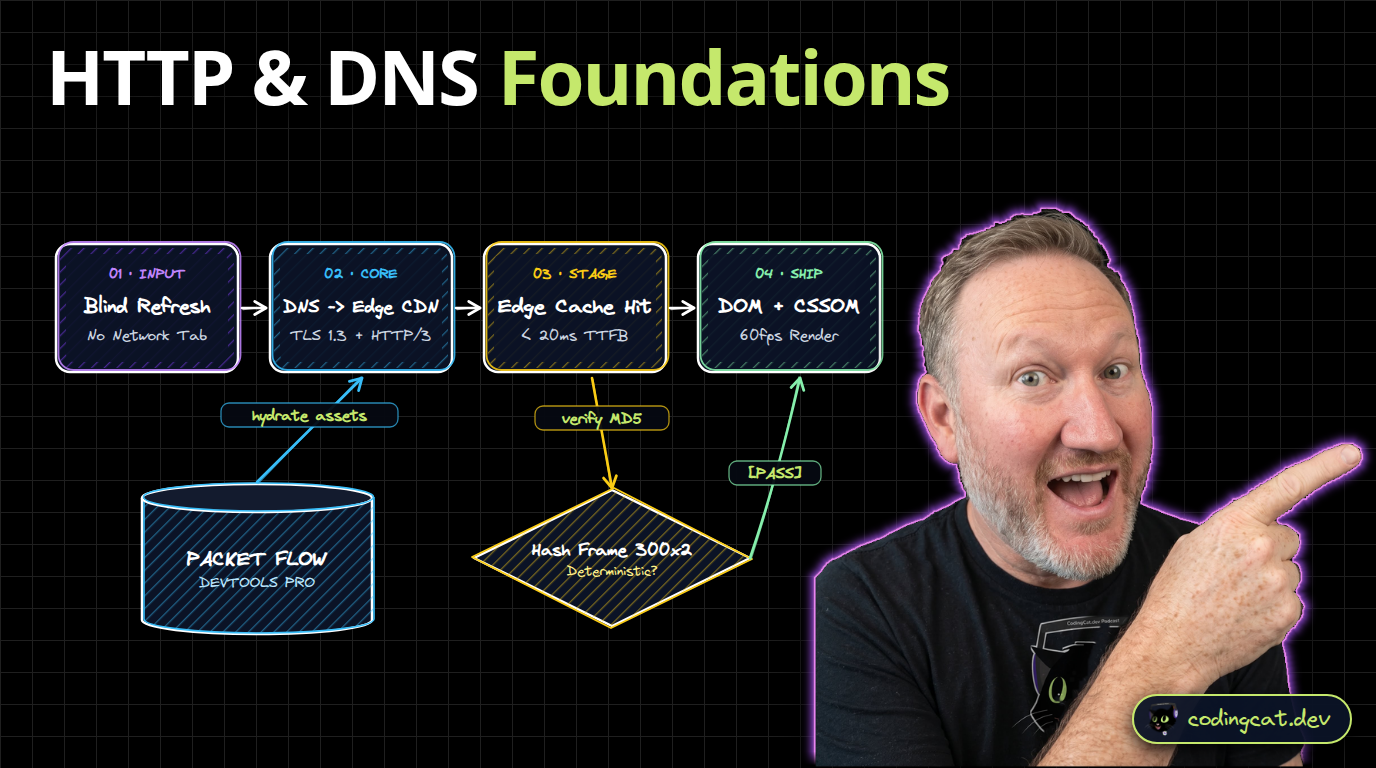


The Odin Project 1: Web Development Foundations (HTML, CSS, Flexbox & JS Basics)
Master the complete Odin Project Foundations path modernized for 2026: how the web works, semantic HTML5, CSS Box Model & Flexbox, and JavaScript DOM fundamentals.


yt-dlp & Librosa: Reference Visual Grammar & 120 BPM Beat Extraction
Never animate in a vacuum. Learn how to pull reference clips with yt-dlp, slice 0.5s grammar frames into `style_guide.md`, and extract exact musical beats (`beats.json`) with Librosa.