

Learn Svelte: The Ultimate Guide - Await Block
Lesson 11 / 14Course Lessons Outline▾
- 1.1Learn Svelte: The Ultimate Guide - What is Svelte?
- 1.2Learn Svelte: The Ultimate Guide - Getting Started
- 1.3Learn Svelte: The Ultimate Guide - Starting to Code
- 1.4Learn Svelte: The Ultimate Guide - Components and Props
- 1.5Learn Svelte: The Ultimate Guide - Inputs Bindings and Reactivity
- 1.6Learn Svelte: The Ultimate Guide - Basic Events
- 1.7Learn Svelte: The Ultimate Guide - Component Events and Forwarding
- 1.8Learn Svelte: The Ultimate Guide - Conditionals and Loops
- 1.9Learn Svelte: The Ultimate Guide - CSS Basics
- 1.10Learn Svelte: The Ultimate Guide - How to call an API
- 1.11Learn Svelte: The Ultimate Guide - Await Block
- 1.12Learn Svelte: The Ultimate Guide - Transitions and Animations
- 1.13Learn Svelte: The Ultimate Guide - Component Lifecycle
- 1.14Learn Svelte: The Ultimate Guide - Data Stores
Svelte Await Blocks
Svelte await blocks are a powerful feature that allow you to write asynchronous code in a concise and easy-to-read way. They are similar to promises, but they have some key advantages.
First, await blocks are much easier to read. They are written in a natural, declarative style, which makes it easy to understand what the code is doing.
Second, await blocks are more efficient. They do not require the use of callbacks, which can make code more complex and less performant.
Third, await blocks are more flexible. They can be used with any asynchronous function, not just those that return promises.
How to Use Svelte Await Blocks
To use Svelte await blocks, you first need to define an asynchronous function. An asynchronous function is a function that returns a promise.
Once you have defined an asynchronous function, you can use it in an await block. To do this, simply surround the call to the asynchronous function with the await keyword.
For example, the following code defines an asynchronous function that fetches a random number from a server:
async function getRandomNumber() {
  const res = await fetch(`/tutorial/random-number`);
  const text = await res.text();
  return text;
}
The following code uses the getRandomNumber() function in an await block:
{#await getRandomNumber()}
	<p>...waiting</p>
{:then number}
	<p>The number is {number}</p>
{:catch error}
	<p style="color: red">{error.message}</p>
{/await}
This code will first fetch a random number from the server. If the request is successful, the number will be displayed on the screen. If the request fails, an error message will be displayed.
Advantages of Svelte Await Blocks
Svelte await blocks have several advantages over other ways of writing asynchronous code.
First, await blocks are much easier to read. They are written in a natural, declarative style, which makes it easy to understand what the code is doing.
Second, await blocks are more efficient. They do not require the use of callbacks, which can make code more complex and less performant.
Third, await blocks are more flexible. They can be used with any asynchronous function, not just those that return promises.
Conclusion
Svelte await blocks are a powerful feature that allow you to write asynchronous code in a concise and easy-to-read way. They are a great way to improve the readability, efficiency, and flexibility of your code.
how this course connects together.
Follow AJ through the layered stack topology from input contract to production output.
related deep dives.
View All→


yt-dlp & Librosa: Reference Visual Grammar & 120 BPM Beat Extraction
Never animate in a vacuum. Learn how to pull reference clips with yt-dlp, slice 0.5s grammar frames into `style_guide.md`, and extract exact musical beats (`beats.json`) with Librosa.

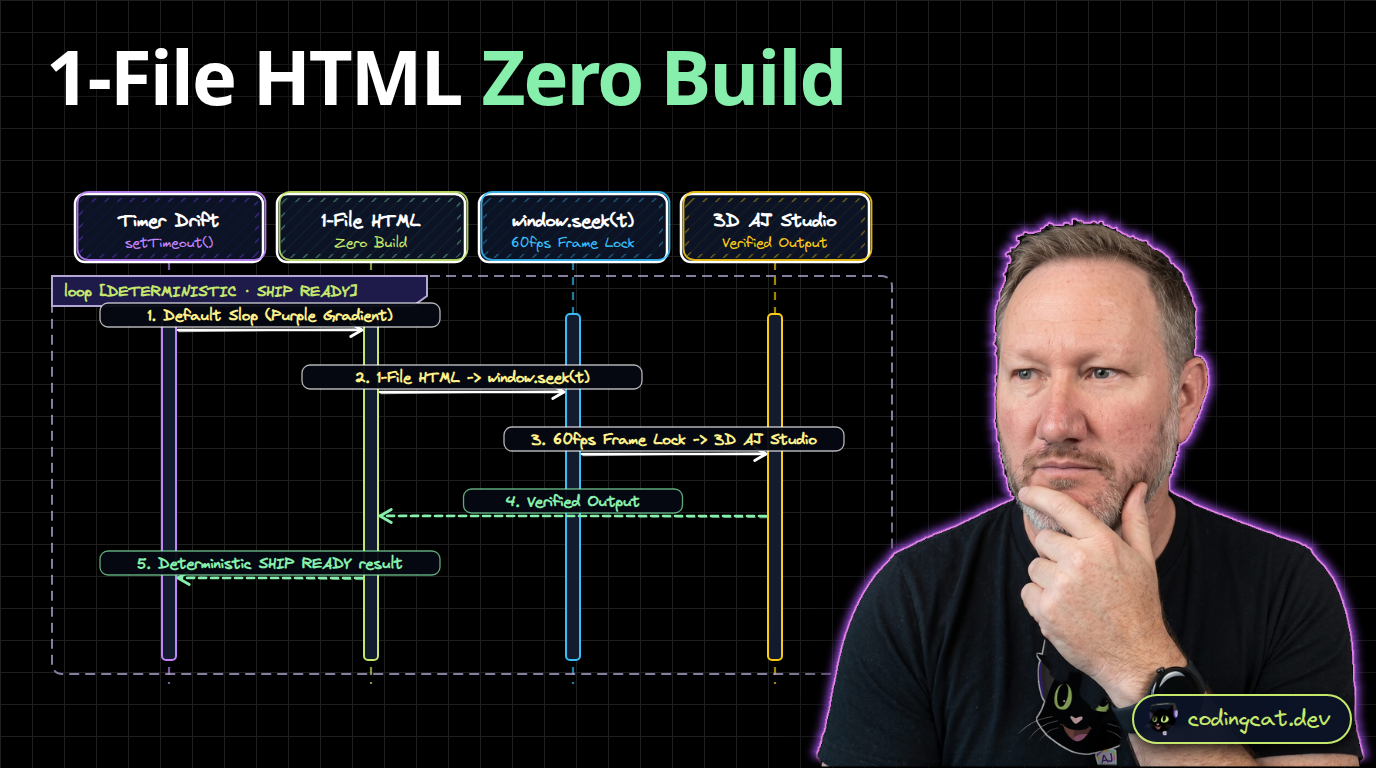


HyperFrames: Turning HTML & Canvas into 60fps Video for AI Agents
Learn how HeyGen's open-source HyperFrames compiler turns self-contained HTML, CSS, and Canvas compositions into deterministic 1080p60 videos built by AI agents.