Stop Killing your Largest Contentful Paint score with images!


Episode Sponsors.

In today's web development landscape, efficient media management is crucial for enhancing user experience and performance. This blog post dives into the use of Cloudinary, a comprehensive media management platform, specifically focusing on its integration with Next.js via the Next Cloudinary library. Join us as we unravel the intricacies of image optimization, transformation, and delivery using Cloudinary's powerful capabilities.
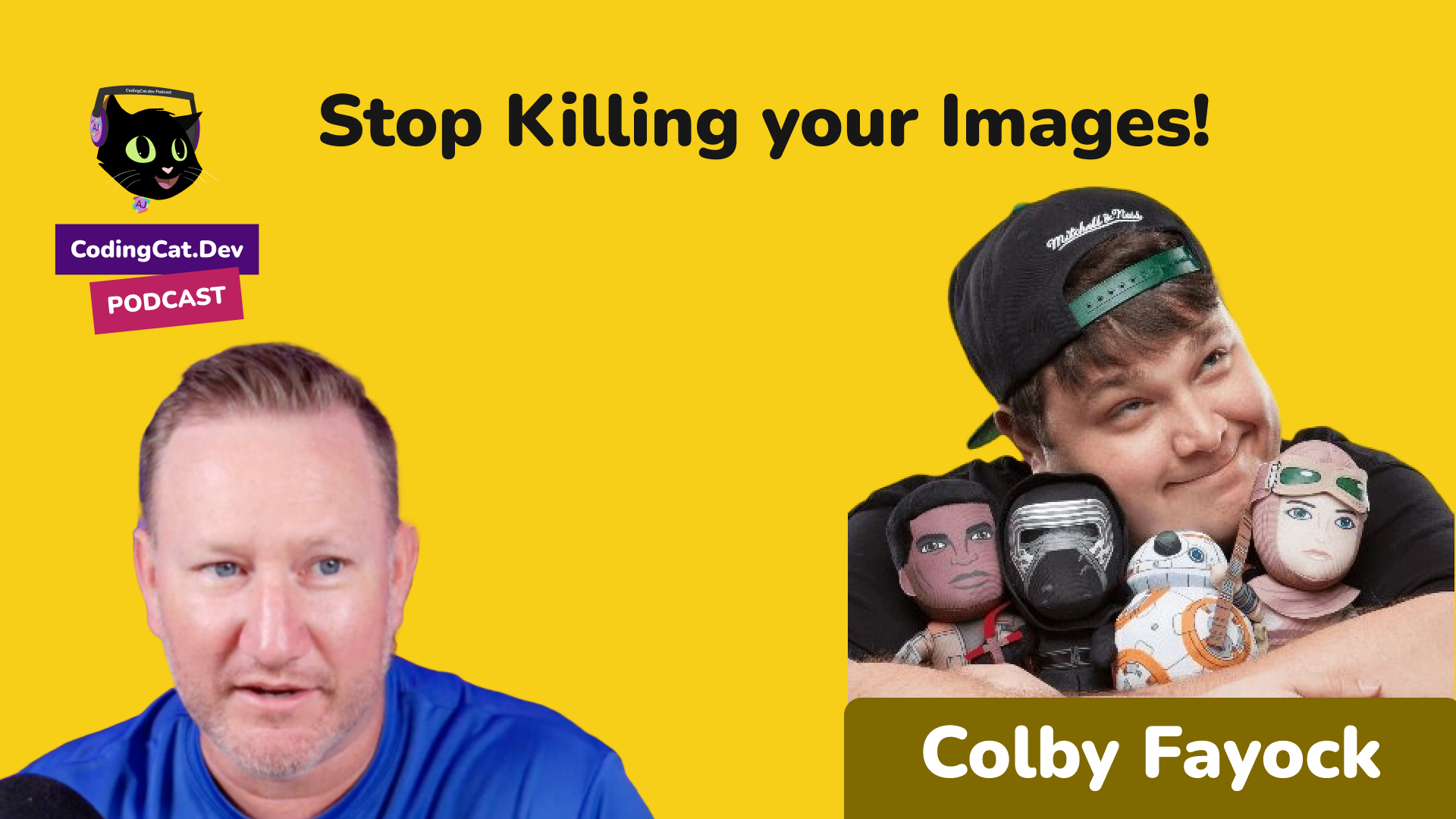
Meet the Experts: Alex Patterson and Colby Fayc
Kicking off our session, we’re joined by Colby Fayc, the Director of Developer Experience Engineering at Cloudinary, and our host, Alex Patterson from Coding Cats. Colby is not only prominent in the developer community but also an avid content creator. You can check out his work on spacejelly.dev and his YouTube channel at Colbeayo.
"I've been a big fan of Next.js and Cloudinary, and it's something I really wanted to see come together." - Colby Fayc
Why Next Cloudinary?
Cloudinary offers two main components: a Digital Asset Management (DAM) service and a programmable media delivery section, which includes powerful transformation and optimization tools. These features are akin to a Photoshop API, allowing for dynamic cropping and resizing directly through code. However, there was no direct Next.js integration, prompting the creation of Next Cloudinary to fill that gap.
The Magic of Component-Based Development
One of the standout features of Cloudinary's integration with Next.js is its component-based approach, which aligns perfectly with the React ecosystem. This approach allows developers to seamlessly integrate complex image optimization processes into their applications with ease.
import { CldImage } from 'next-cloudinary';export default function MyImageComponent() {return (<CldImagewidth="300"height="300"src="sample"alt="A beautiful sample image"/>);}Above is a simple example that replaces Next.js's Image component while still enabling Cloudinary's robust transformations and optimizations through a Cloudinary URL.
Setting Up Your Environment
To get started with Next Cloudinary in a Next.js project, you’ll need to set up your environment variables and install the necessary packages. Make sure to define your CLOUDINARY_CLOUD_NAME in a .env.local file:
CLOUDINARY_CLOUD_NAME=your_cloud_nameInstall the package:
npm install next-cloudinaryBuilding a Photo Gallery with Cloudinary and Next.js
Head over to ShadCN UI to scaffold a new Next.js application. This utility simplifies setting up your Next.js environment, allowing you to jump straight into building.
npx create-next-app@latestNavigate into your project directory and start building your components. We utilized ShadCN UI to quickly bootstrap our application, especially since it offers effortless integration with various component libraries.
Implementing Image Components
Once you have set up your Next.js app, use Cloudinary's CLDImage component for your image management:
import { CldImage } from 'next-cloudinary';export const PhotoGallery = () => {return (<><h2>Photo Gallery</h2><div><CldImagesrc="sample"width="800"height="600"alt="Sample flower"sizes="(max-width: 600px) 100vw, 50vw"/></div></>);};Transformations and Optimizations
Cloudinary's unique selling point is its advanced transformation capabilities that don't just optimize, but also transform your images with operations like scaling, cropping, and even adding overlays or underlays.
Resizing and Cropping
Dynamic resizing and cropping are among the most crucial functions for maintaining performance across different devices. Use the sizes attribute to ensure images are responsive and only download the necessary pixels for a given device size.
sizes="(max-width: 600px) 100vw, 50vw"This attribute ensures that your images are optimally resized for the container they are in, improving loading times on slower networks.
Background Replacement and Overlays
One of the more fascinating features is the ability to dynamically remove and replace backgrounds using AI-based transformations.
<CldImagesrc="sample"width="800"height="600"alt="Sample flower"removeBackgroundunderlay="cloudinary-logo"/>Beyond removing backgrounds, you can also overlay images or text, great for customizing thumbnails or personalizing user experiences.
Performance Analysis with Lighthouse
Once you've set up your image components and transformations, it's crucial to analyze your application's performance. Using tools like Google's Lighthouse can give insight into how well your images and overall media management are optimized. Typically, Cloudinary's on-the-fly transformations can significantly reduce perceived load times and resource usage.
Advanced Use Cases
Beyond basic transformations, Cloudinary allows for a wide range of advanced use cases, such as:
- Media Flows: Automate and streamline the process of managing your media assets.
- Video Management: Integrate Cloudinary's video features for more seamless video playback and analysis.
- Upload Widgets: Enhance user experience by allowing easy and customizable media uploads.
Integrations with CMS
If you're using a CMS like Sanity or Contentful, Cloudinary can integrate directly, offering powerful media management capabilities right from your content management interface. This integration ensures that your workflows remain smooth and efficient.
Conclusion
Cloudinary offers a powerful suite of tools that can dramatically enhance the way you handle media in your web applications. When combined with Next.js via the Next Cloudinary package, it empowers developers to create highly-optimized, media-rich applications with minimal overhead.
Whether you're a seasoned developer or just getting started, integrating Cloudinary with your Next.js projects will undoubtedly elevate your application's performance and user experience. For a hands-on experience and further exploration, check out the Next.js Cloudinary repository and dive into the world of image and video optimization.
Happy Coding!
Video Chapters & Timestamps
Jump directly to any segment of Stop Killing your Largest Contentful Paint score with images! on YouTube using the timestamped chapters below:
- 00:00: Introduction
- 00:00: Cloudinary Overview
- 00:00: Next.js Integration
- 00:00: Image Transformations
- 00:00: Performance Insights
- 00:00: Additional Cloudinary Features
- 00:00: Closing Thoughts
Resources, Links & Official Documentation
- Watch on YouTube: Stop Killing your Largest Contentful Paint score with images! Full Video (plus Subscribe to CodingCat.dev)
- Algolia : https://www.algolia.com/?utm_source=codingcatdev
- Colby Fayock Guest Profile & Episodes on CodingCat.dev
- Colby Fayock on GitHub
- Episode Sponsor: Algolia
- Contentful Developer Documentation: Composable content platform, GraphQL, and REST Content APIs
- Cloudinary Programmable Media Docs: Automated image/video optimization, responsive delivery, and transformations
- Next.js Official Documentation: App Router, Server Actions, and rendering architecture guides
Related CodingCat.dev Tutorials & Podcast Episodes
- How to add Sentry to Next.js the right way!: Discover how to set up Sentry with Next.js for seamless error monitoring and performance tracking.
- How to Secure Vercel Cron Job routes in Next.js 14 (app router): Learn how to manage Cron Jobs effectively in Vercel. How to stay in the Hobby plan while executing multiple API requests. Learn how to manage Cron Jobs effectiv...
- Supabase New Release: Supabase dropped a lot of new features during their X launch, I review these with Jon.
Frequently Asked Questions (FAQ)
What are the main takeaways from Stop Killing your Largest Contentful Paint score with images!?
Join us as we explore Cloudinary's new components for Next.js! Learn how to optimize images, integrate Cloudinary, and boost performance. Stop Killing your Largest Contentful Paint score with images!: Join us as we explore Cloudinary's new components for Next.js! Learn how to optimize images, integrate Cloudinary, and boost performance. Don't miss out! https://codingcat.dev/podcast/stop-killing-your-largest-contentful-paint-score-with-images Sponsors:
- Algolia https://www.algolia.com/?utm_sou, back perfect peeps to code with coding cat I keep getting my other podcast mixed into my brain today apparently uh special guest with us how's it going Kobe it's going well my friend how are you doing doing great uh you want to give people you know a twoin on who you are and what you do yeah so I'm Colby fak I'm the director of developer experience engineering at Cloud Nary I also do a lot of cont... Throughout this podcast, Colby Fayock breaks down real-world implementation details for Contentful, Cloudinary, Next.js so developers can apply these patterns directly in production.
How do you implement Contentful best practices in production?
When adopting Contentful and Cloudinary in a production stack, start by validating your configuration against the Contentful Developer Documentation (Composable content platform, GraphQL, and REST Content APIs). Focus on incremental adoption, automated testing, and observability so your team can measure performance and developer velocity improvements at each stage.
Where can I watch the full Stop Killing your Largest Contentful Paint score with images! walkthrough and find related code resources?
You can watch the complete video session for Stop Killing your Largest Contentful Paint score with images! on the CodingCat.dev YouTube channel. For a deeper dive into Contentful, check out our related guide: How to add Sentry to Next.js the right way!.
✏️ Episode Summary
Stop Killing your Largest Contentful Paint score with images!: Join us as we explore Cloudinary's new components for Next.js! Learn how to optimize images, integrate Cloudinary, and boost performance. Don't miss out! https://codingcat.dev/podcast/stop-killing-your-largest-contentful-paint-score-with-images Sponsors: - Algolia https://www.algolia.com/?utm_sou — back perfect peeps to code with coding cat I keep getting my other podcast mixed into my brain today apparently uh special guest with us how's it going Kobe it's going well my friend how are you doing doing great uh you want to give people you know a twoin on who you are and what you do yeah so I'm Colby fak I'm the director of developer experience engineering at Cloud Nary I also do a lot of cont...
how this episode connects together.
Follow AJ from first principles to production-ready architecture.