Branching, Merge Commits vs. Interactive Rebase & Conflict Resolution
1. The 15-Second Hook
Should you merge or rebase? And how do you clean up twelve messy work-in-progress commits before opening a pull request? Let's master interactive rebase and safe conflict resolution.
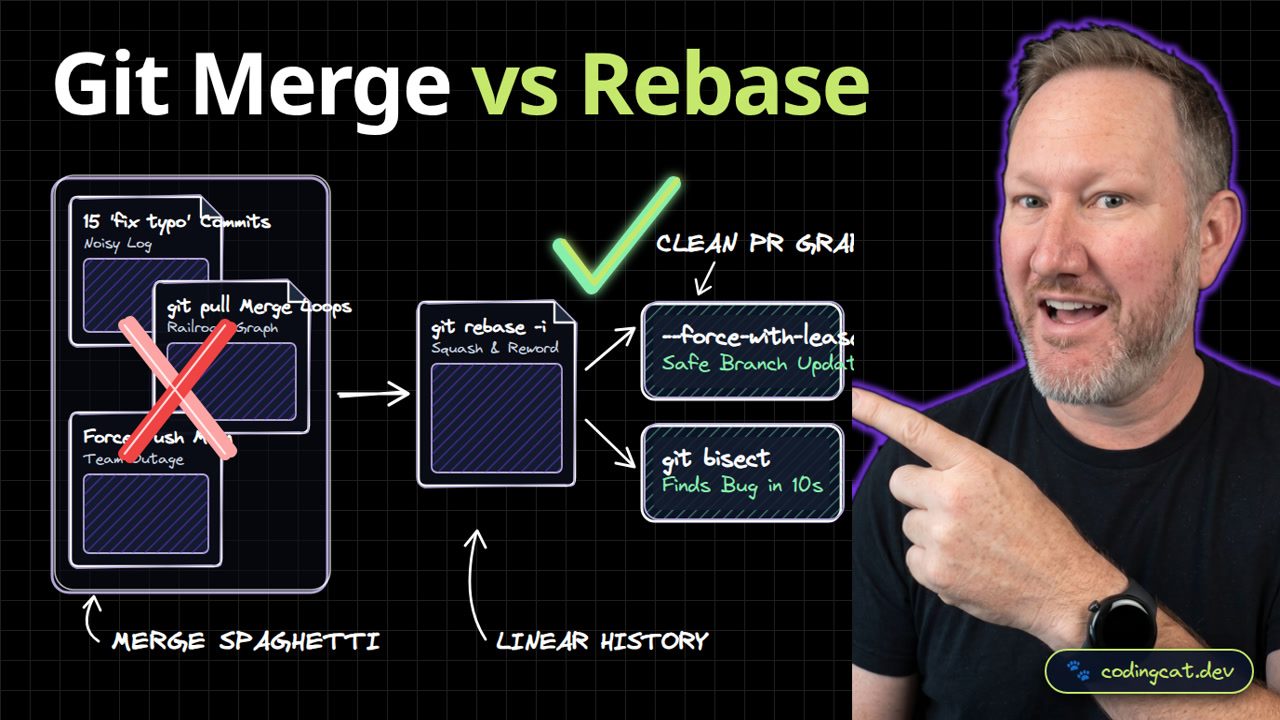
2. Architecture Mental Model (Visual Diagram)
On the left, repeated merge pulls create railroad-track spaghetti logs. On the right, interactive rebase squashes WIP commits into a clean linear history and pushes safely with force-with-lease.
3. Show Me the Code (terminal-rebase.sh)
# Fetch latest main and rebase feature branch cleanly
git fetch origin
git rebase -i origin/main

# Safely push rebased feature branch
git push --force-with-lease origin feat/mcp-transport
We run git fetch origin followed by git rebase -i origin/main to replay our feature branch on top of main, then push safely using --force-with-lease.
4. Production Trade-Off Matrix
Comparing interactive rebase and force-with-lease against raw merge spaghetti, every commit on main remains atomic, buildable, and ready for git bisect.
5. Verdict & AJ Pro-Tip
AJ Pro-Tip: Set git config --global pull.rebase true and rerere.enabled true so Git automatically remembers how you resolved a conflict if you ever rebase the same branch twice.
Rebase your local feature branches to keep history clean, and never force-push shared main. Subscribe to CodingCat.dev and let's cover PR reviews and GitHub Actions next.
how this course connects together.
Follow AJ from first principles to production-ready architecture.