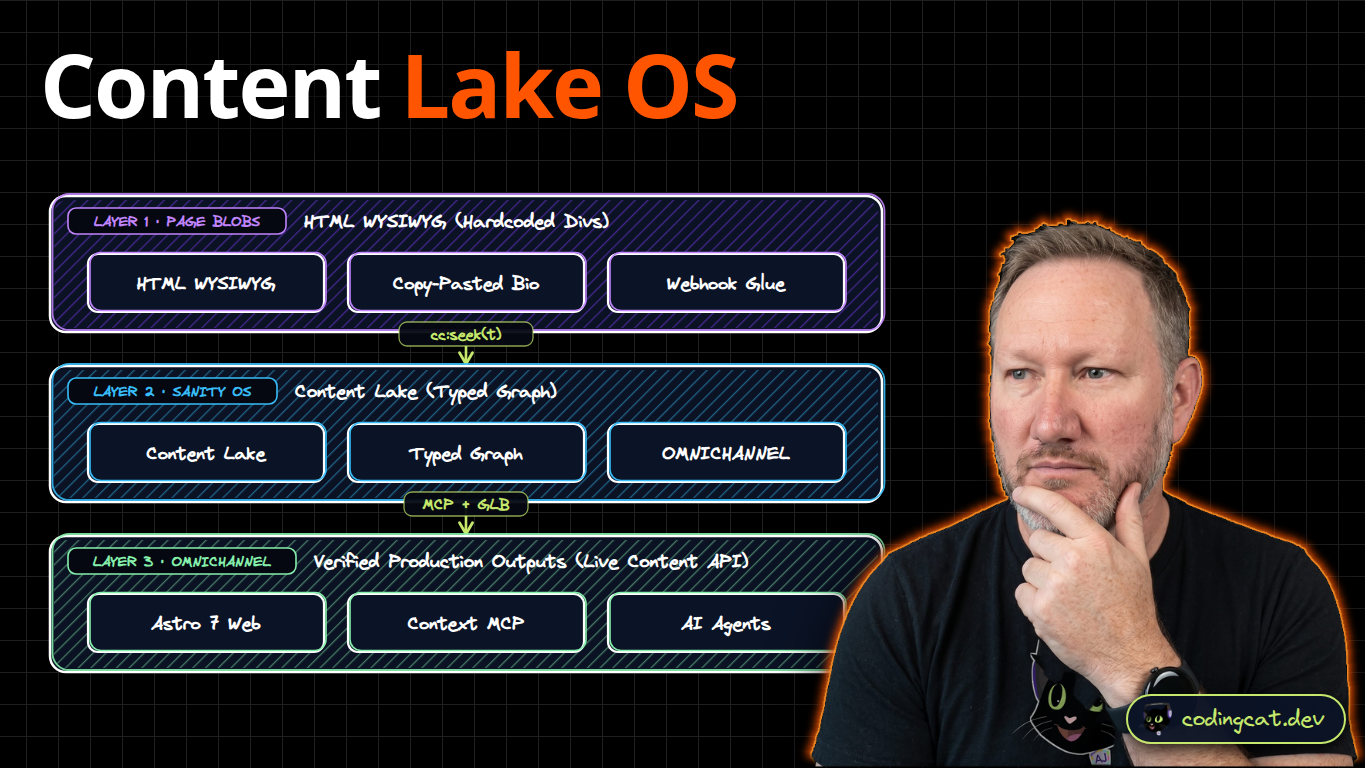


Gatsby Cloud with Sanity CMS
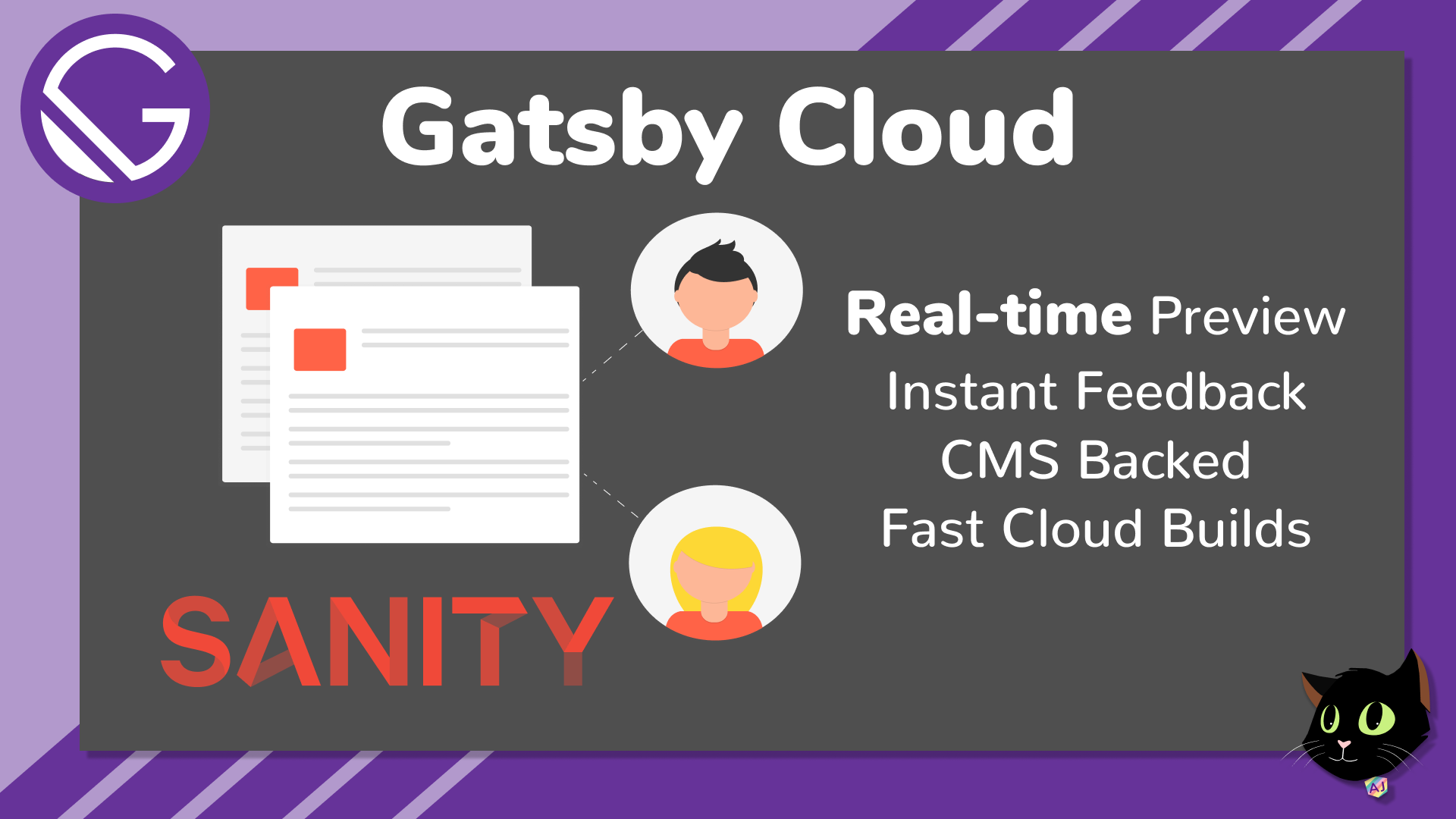

As a developer have you ever wanted to use a website builder like Squarespace, Wix or IM Creator because of their live previews? Then you realize I cannot add all the wonderful features of a ReactJS based environment! Gatsby Cloud just solved this for you!
Useful Links
https://www.gatsbyjs.com/docs/sanity/getting-started/ https://www.gatsbyjs.com/docs/sanity/adding-extension/
Gatsby
https://www.gatsbyjs.com/ Gatsby is an open source, modern website framework that builds performance into every site by leveraging the latest web technologies such as React and GraphQL. Create blazing fast apps and websites without needing to become a performance expert.
Gatsby Cloud
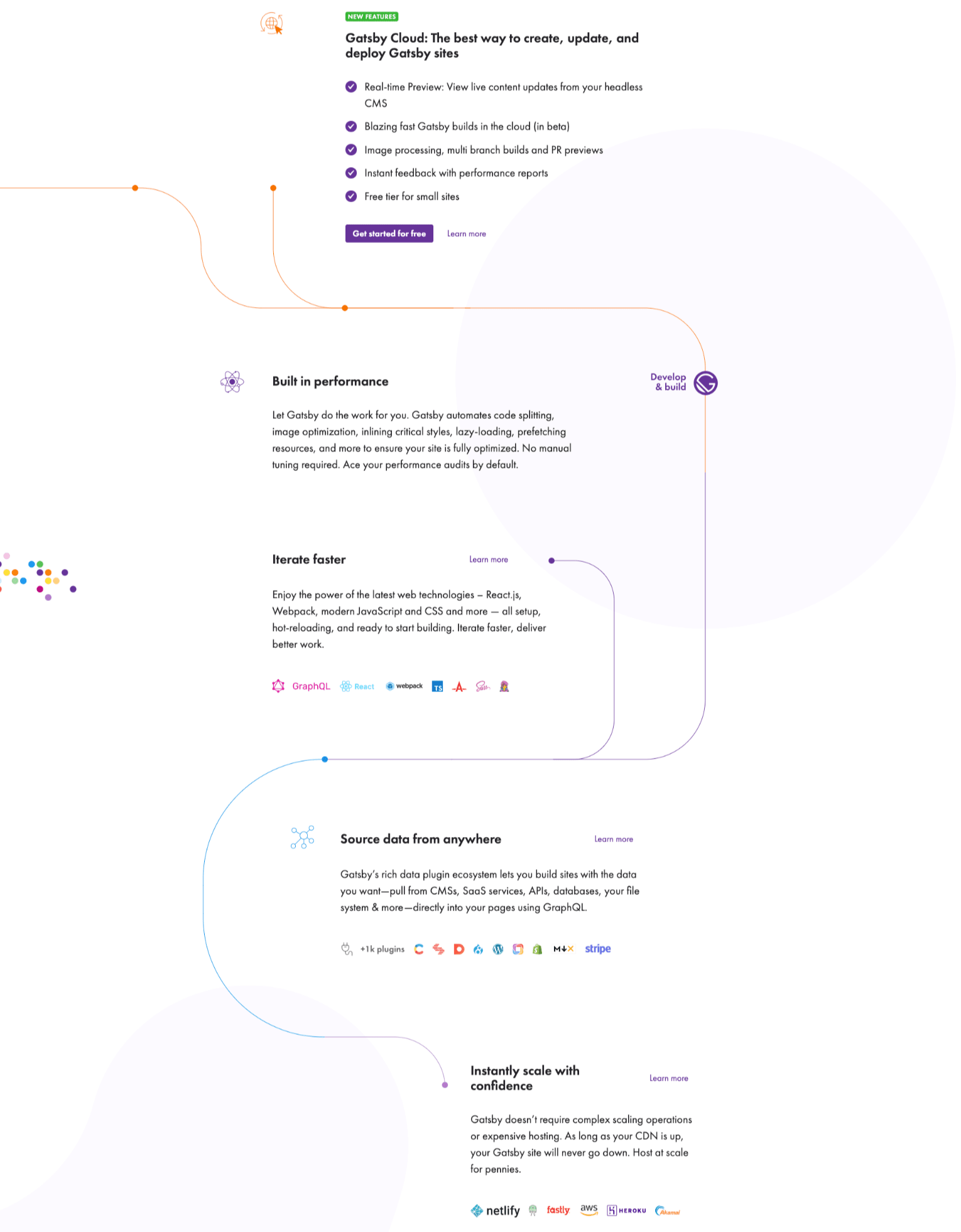
Real-time Preview
Content collaboration just got easier
Preview is like a private playground for developers, designers, and content creators. It provides a shareable temporary URL for viewing changes immediately and in context—so you can make sure that new header plays nicely with the rest of the page before hitting “publish.”
- Instant updates triggered by your CMS or webhooks
- Shareable Preview URL for easy collaboration
- Popular CMS integrations with more coming soon
- Support for many headless CMSs out-of-the-box
Builds (coming soon)
The fastest way to build a Gatsby site
Tailored to Gatsby applications, Builds provide all the automation and infrastructure you need for instant continous deployment. On top of that, we include Lighthouse performance checks (coming soon) and Gatsby image processing in the Cloud.
- Fastest build times for Gatsby sites
- Build every branch automatically
- Push to deploy with GitHub
- Show and share previews of deploys (status checks on PRs, shareable URLs, etc)
- Automated Lighthouse performance checks
Sanity
https://www.sanity.io/ Sanity is the fastest, most flexible platform for delivering content to digital devices and products.
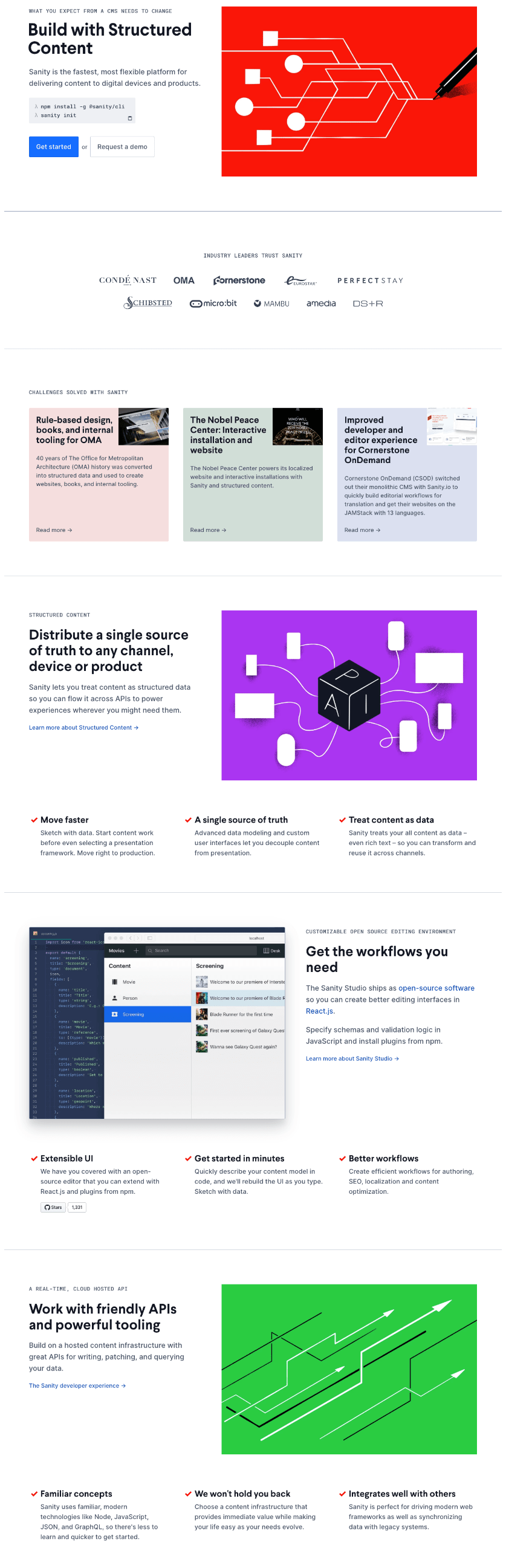
Move faster
Sketch with data. Start content work before even selecting a presentation framework. Move right to production.
A single source of truth
Advanced data modeling and custom user interfaces let you decouple content from presentation.
Treat content as data
Sanity treats your all content as data – even rich text – so you can transform and reuse it across channels.
Resources, Links & Official Documentation
- Sanity.io Content Operating System Docs: GROQ queries, Portable Text, Content Lake, and Agent Context
Related CodingCat.dev Tutorials & Podcast Episodes
- Anchor Links From Sanity in Gatsby: Have you ever hunted around for days trying to find that simple package for adding anchor links to your Gatsby blog? It is easier than you might think, and you ...
- Sanity Knowledge Bases: Eliminate query-time guessing in your AI agents. Learn how Sanity Context Knowledge Bases compile structured datasets, crawled documentation websites, and uploa...
- Sanity.io to Builder.io Data Transfer: In this example I will walk you through what data looks like in Sanity.io and how to get that data over to your Builder.io instance while creating models.
Frequently Asked Questions (FAQ)
What are the main takeaways from Gatsby Cloud with Sanity CMS?
Start building your static site with Gatsby cloud and get live previews when you utilize Sanity as your CMS!. Gatsby Cloud with Sanity CMS explores practical patterns for Sanity in modern software engineering. Throughout this post, Alex Patterson breaks down real-world implementation details for Sanity so developers can apply these patterns directly in production.
How do you implement Sanity best practices in production?
When adopting Sanity in a production stack, start by validating your configuration against the Sanity.io Content Operating System Docs (GROQ queries, Portable Text, Content Lake, and Agent Context). Focus on incremental adoption, automated testing, and observability so your team can measure performance and developer velocity improvements at each stage.
Where can I watch the full Gatsby Cloud with Sanity CMS walkthrough and find related code resources?
You can explore the complete write-up and code examples right here on CodingCat.dev, and subscribe to the CodingCat.dev YouTube channel for weekly video tutorials. For a deeper dive into Sanity, check out our related guide: Anchor Links From Sanity in Gatsby.
how this post connects together.
Follow AJ from first principles to production-ready architecture.
Watch the Related Video Deep Dive: Sanity Content Operating System: Live Content API, Media Library & Functions
Master the 2026 Sanity Content Operating System: structured schemas, TypeGen + stegaClean visual editing, Organization Media Library, Sanity App SDK, and event-driven Sanity Functions with Blueprints.