


VSCode Extensions and Settings
Lesson 1 / 14Course Lessons Outline▾
1Section 1
2Fundamentals
Setting Up VSCode
How to setup VSCode and be prepared to code in Svelte.
✏️ Visual Architecture Diagram
how this course connects together.
Follow AJ through the layered stack topology from input contract to production output.
Let’s build it!
✏️ Architecture Diagram: Intro to Svelte: VSCode Extensions and Settings
LAYERED SYSTEM STACKARCHITECTURE DIAGRAM
[Diagram Walkthrough]Content-driven layered-stack diagram for Intro to Svelte: VSCode Extensions and Settings: Section 1 -> Intro to Svelte -> Verified Production Artifact.
AAA Contrast Verifiedrelated deep dives.
View All→


yt-dlp & Librosa: Reference Visual Grammar & 120 BPM Beat Extraction
Never animate in a vacuum. Learn how to pull reference clips with yt-dlp, slice 0.5s grammar frames into `style_guide.md`, and extract exact musical beats (`beats.json`) with Librosa.

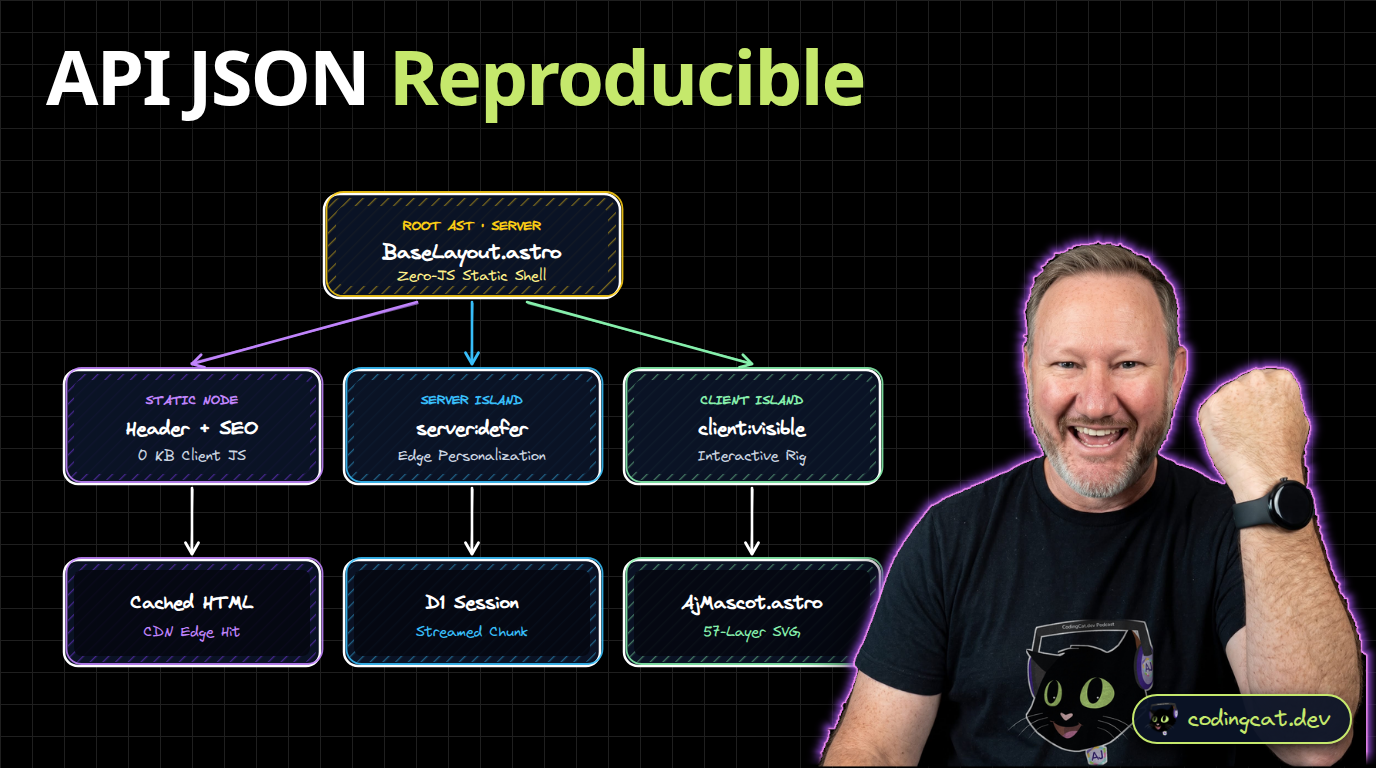


ComfyUI in Production: 3D Mascot Turnarounds & Generate-Then-Trace
Run reproducible node-based diffusion graphs on your local GPU with ComfyUI. Generate multi-angle character sheets for 3D AJ and base physics plates for generate-then-trace.